
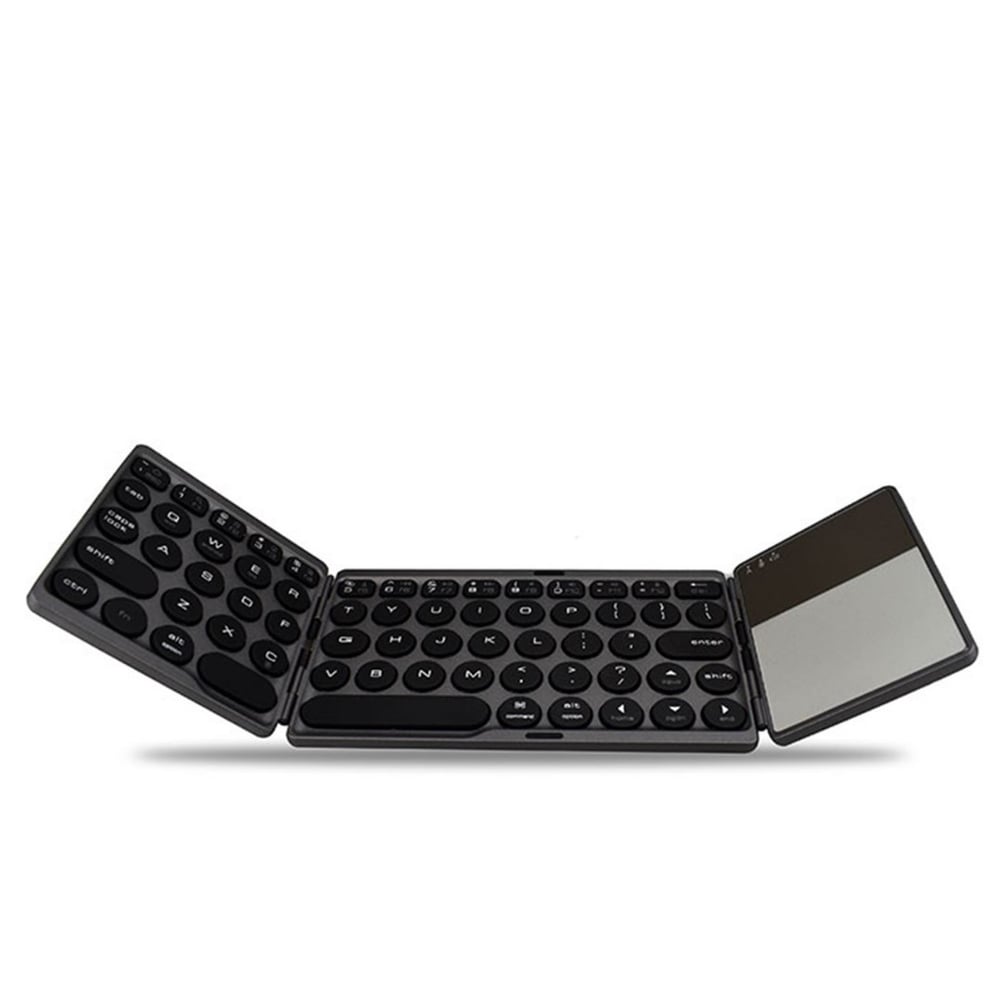
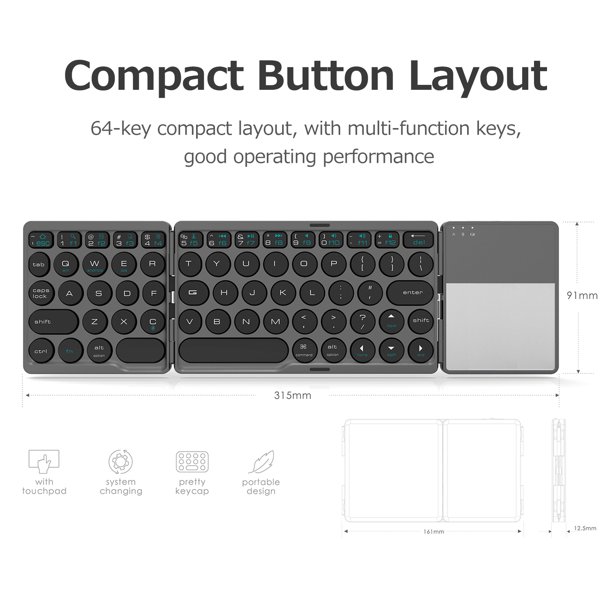
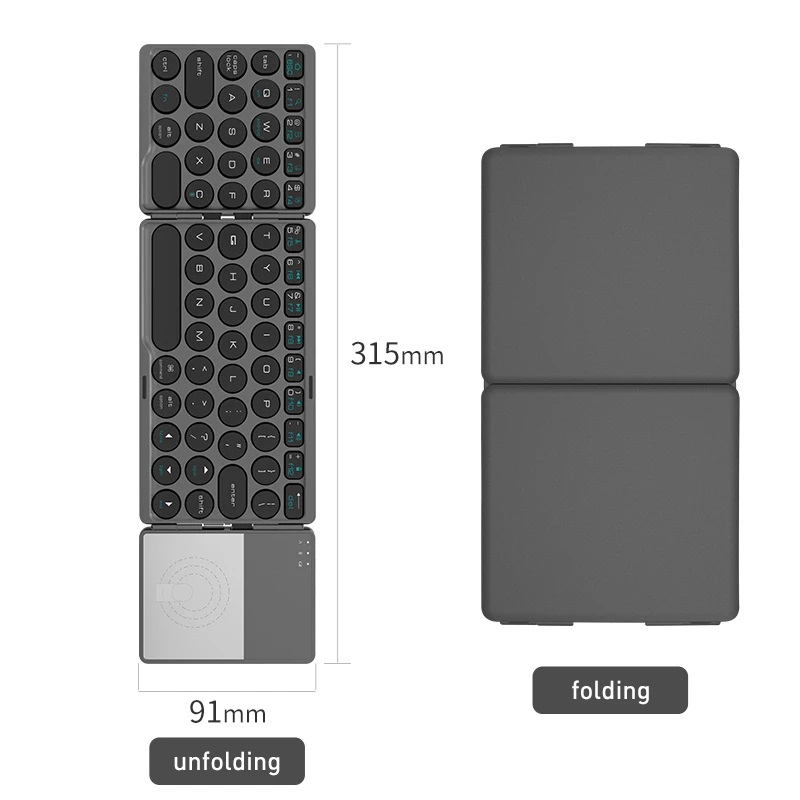
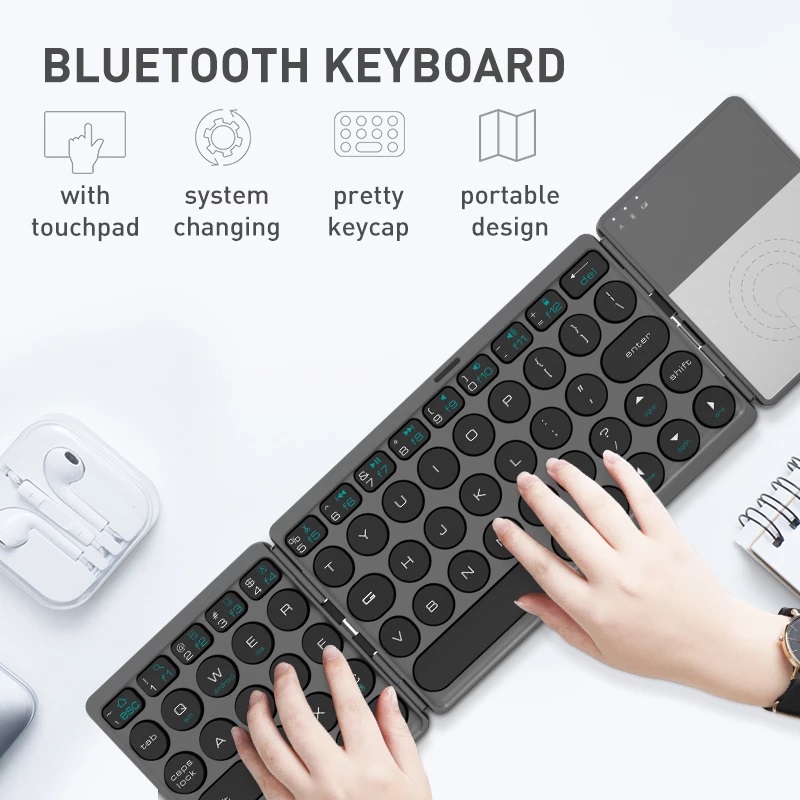
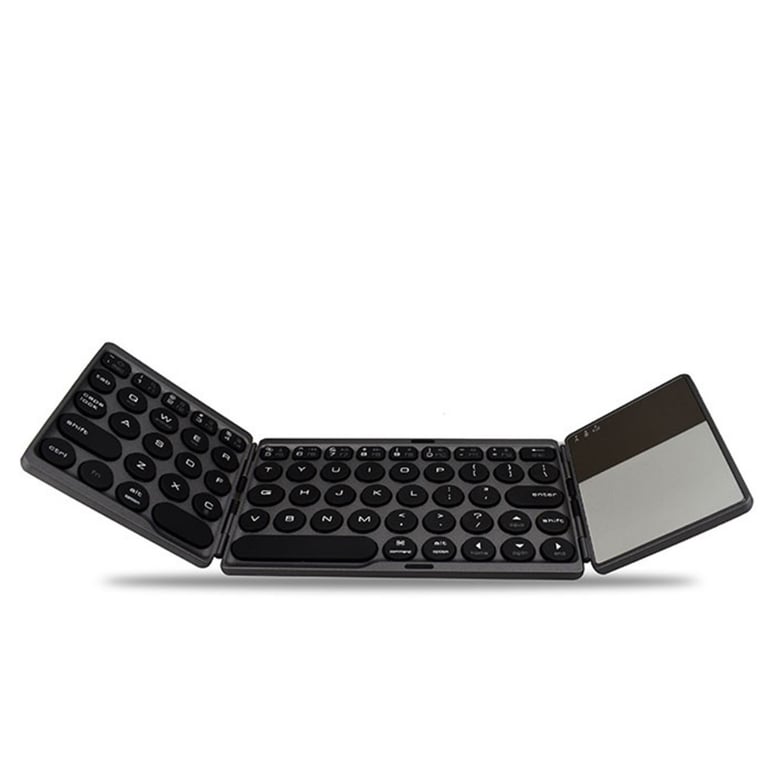
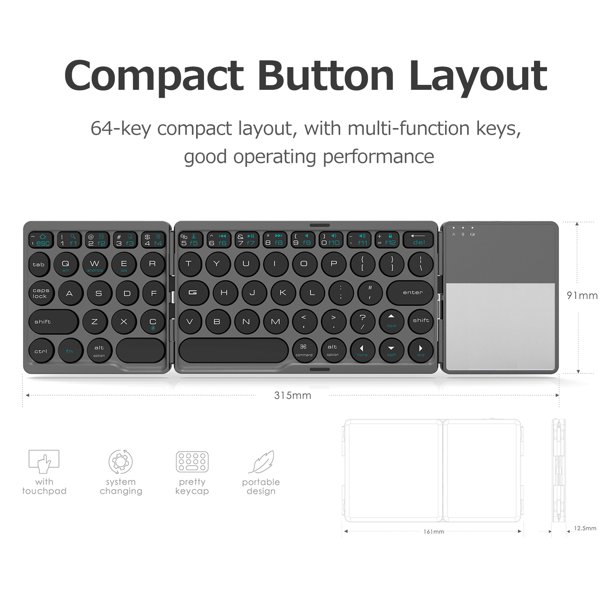
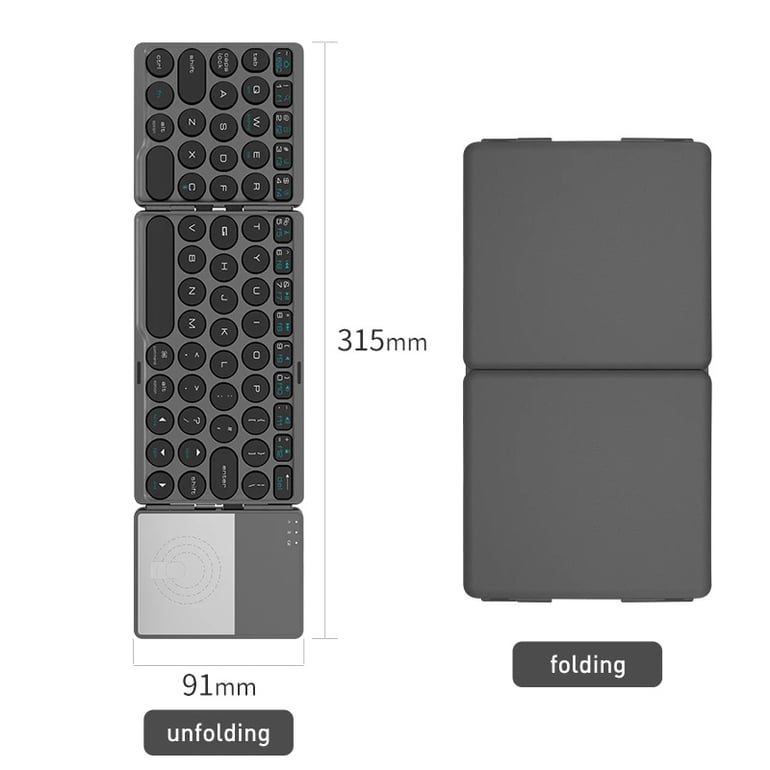
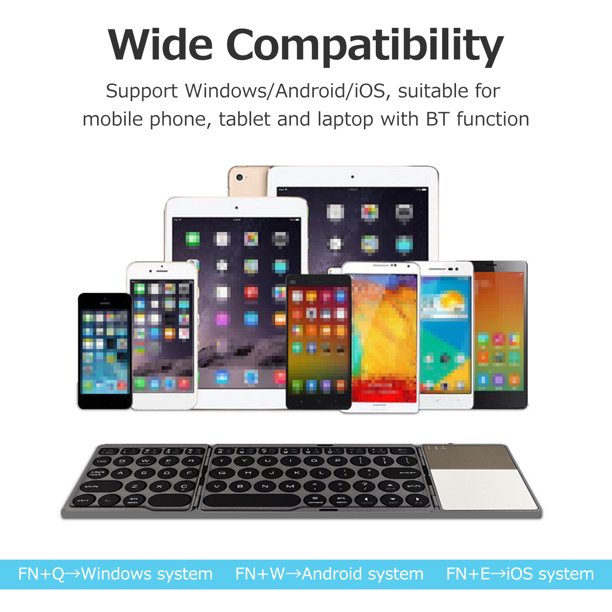
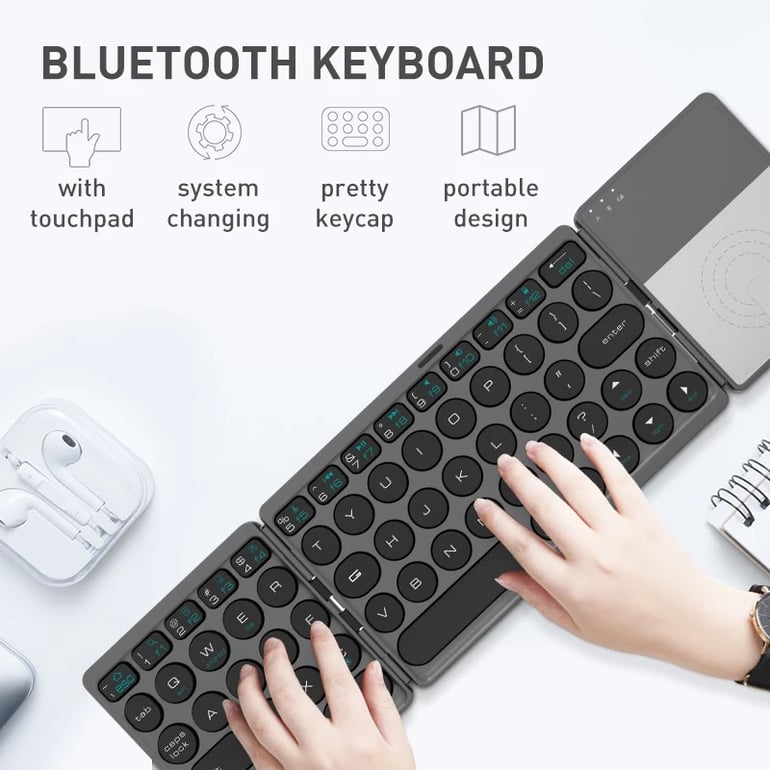

RANGER Wireless Bluetooth Foldable Keyboards with Touchpad RG-P113
SAR 250.00
Discount 40%
+
Earn loyalty points with this purchase
Rewards| Brand | RANGER |
| Type | Keyboard + Mouse |
| Color | Silver |
| Model | RG-P113 |
| Charging time | 2-3 hours |
| Standby time | ~560 hours |
| Continuous working time | 48 hours |
| Packing list | 1 x foldable keyboard 1 x charging cable 1 x User Manual |
| Barcode | 6961775223534 |
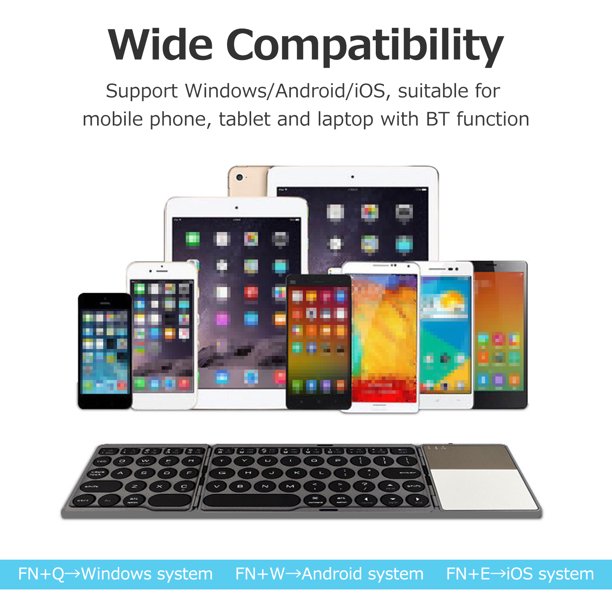
| How to contact | 1. Turn on the power switch. 2. Press the connect button to enter the pairing mode, the indicator flashes blue. 3- Go to your device"s Bluetooth setting and turn on bluetooth, search the keyboard. 4. Select the keyboard name "Bluetooth 3.0 keyboard" and click to connect, the device displays the paring icon. 5. Enter the pairing code (shown on your device screen) in this foldable keyboard by pressing the pairing code keys and then the Enter button. Tips: The pairing code may be different each time, please check your device. note: 1. If the touchpad does not work, make sure it is turned on. (Open "Settings" - "Accessibility" - "Touch" - "AssistiveTouch" - "On") 2- This bluetooth keyboard is not compatible with PC sticks 3. If you have any problem with this keyboard, please fully charge it first. Too low power may cause problems. |
